GTA 6 gameplay guides
Practical GTA 6 guides for character switching, weapon storage, fishing, auto drive and exploration, with console controls and sources.

How to switch characters in GTA 6
Unlock Lucia in free roam, find the character-switch controls and understand story restrictions.
© Rockstar Games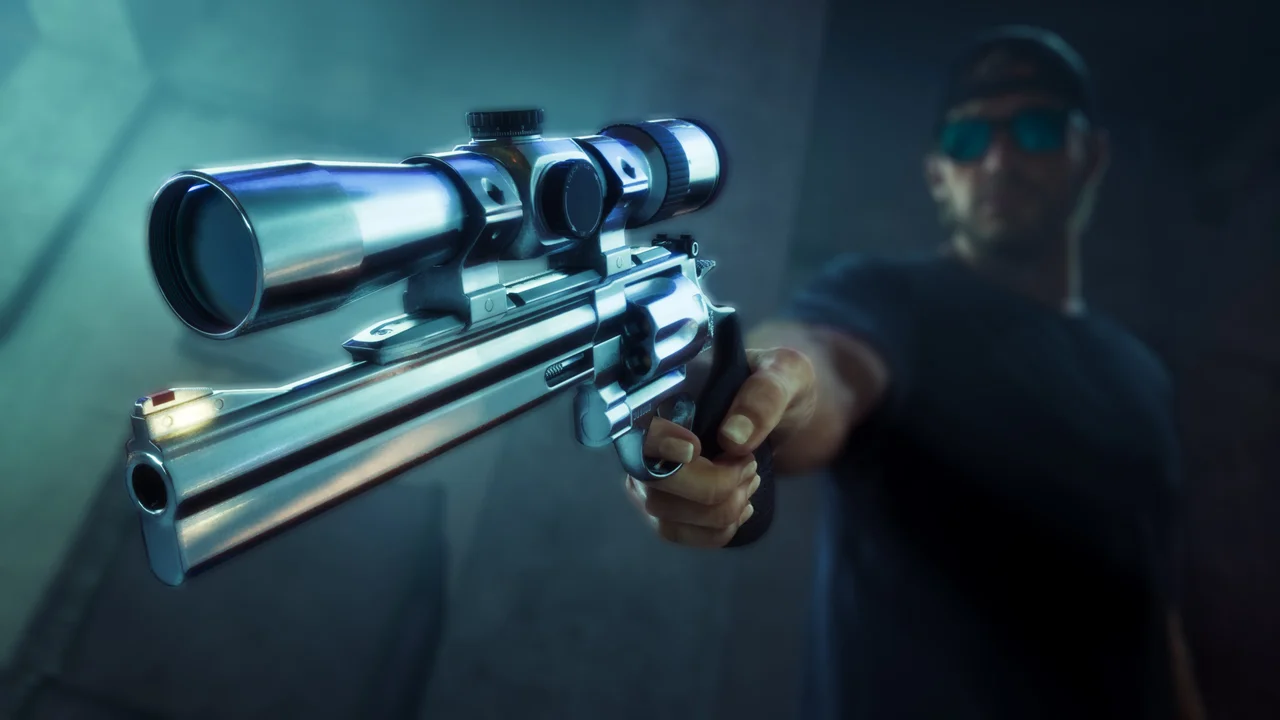
How to store weapons in GTA 6
Use your personal vehicle’s trunk and distinguish purchased weapons from weapons picked up in the world.
© Rockstar Games
GTA 6 fishing: rod, controls and lures
Start fishing near Jason’s home, cast your line and choose a lure for fresh or salt water.
© Rockstar Games
GTA 6 auto drive: cinematic driving controls
Set a destination, enter cinematic mode and troubleshoot a disabled auto-drive prompt.
© Rockstar Games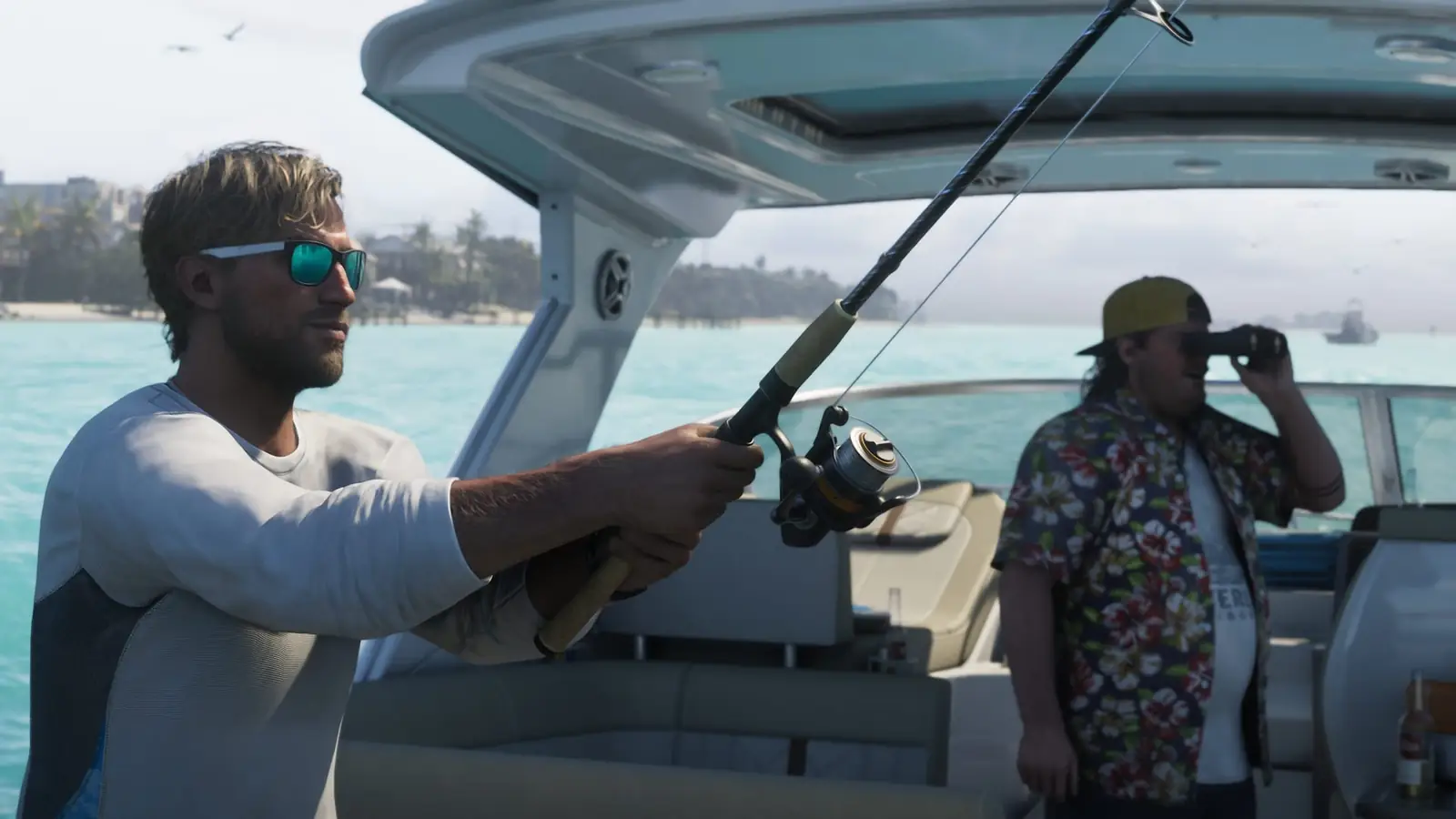
GTA 6 first-person camera: current method and limits
What the newly reported camera glitch does, how players trigger it and how to return to third person.
© Rockstar GamesGTA 6 free sniper rifle: Key Lento SM-69
Find the reported SM-69 pickup at the Key Lento radio tower and keep it after collecting it.
© Rockstar Games
GTA 6 Skunk Ape: where to begin the encounter
Search the Grassrivers landmarks, follow the sound clues and find Kirk’s follow-up contact.
© Rockstar Games
GTA 6 HUD icons: wanted status, vehicles and weapons
Understand common status warnings before changing a vehicle, hiding a weapon or recovering your car.
© Rockstar GamesBased on the linked gameplay reports, reviewed on 21 November 2026. We have not independently reproduced these steps in the game. Button prompts can vary with your control settings.