A reported glitch, not an announced mode
As checked on 21 November 2026, GTABase describes a camera glitch and PC Gamer reports reproducing it. This is not evidence of an officially supported full first-person mode. Camera clipping occurs and an update may change the behaviour. Keep a separate save before experimenting.
Reported activation sequence
- In controller settings, assign the PS5 touch pad or Xbox View button to Camera instead of Map.
- Sit in a car and open the phone with D-pad Up.
- Close the phone and immediately press the camera button. Follow your displayed phone-close control: the published guides disagree about the PS5 button.
Return to the normal camera
Reloading a save resets the camera. PC Gamer reports that saving and immediately reloading also works. If the sequence fails after an update, do not assume the feature is still available; these instructions describe the reported launch behaviour.
Sources and review
Based on the linked gameplay reports, reviewed on 21 November 2026. We have not independently reproduced these steps in the game. Button prompts can vary with your control settings.
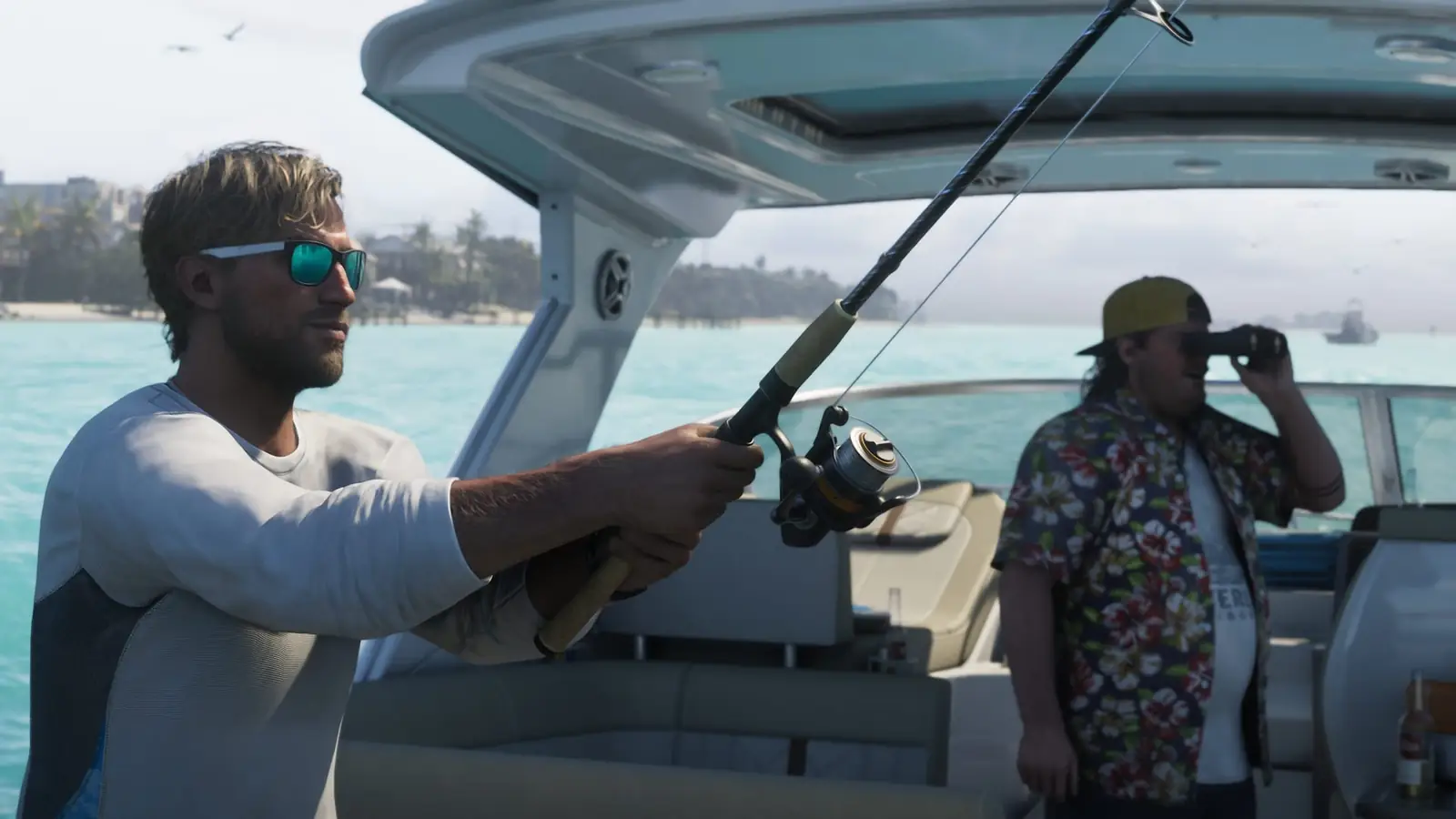
© Rockstar Games · official promotional image; illustrates the game, not the exact pickup or action.GTA 6 gameplay guides
- How to switch characters in GTA 6
- How to store weapons in GTA 6
- GTA 6 fishing: rod, controls and lures
- GTA 6 auto drive: cinematic driving controls
- GTA 6 free sniper rifle: Key Lento SM-69
- GTA 6 Skunk Ape: where to begin the encounter
- GTA 6 HUD icons: wanted status, vehicles and weapons