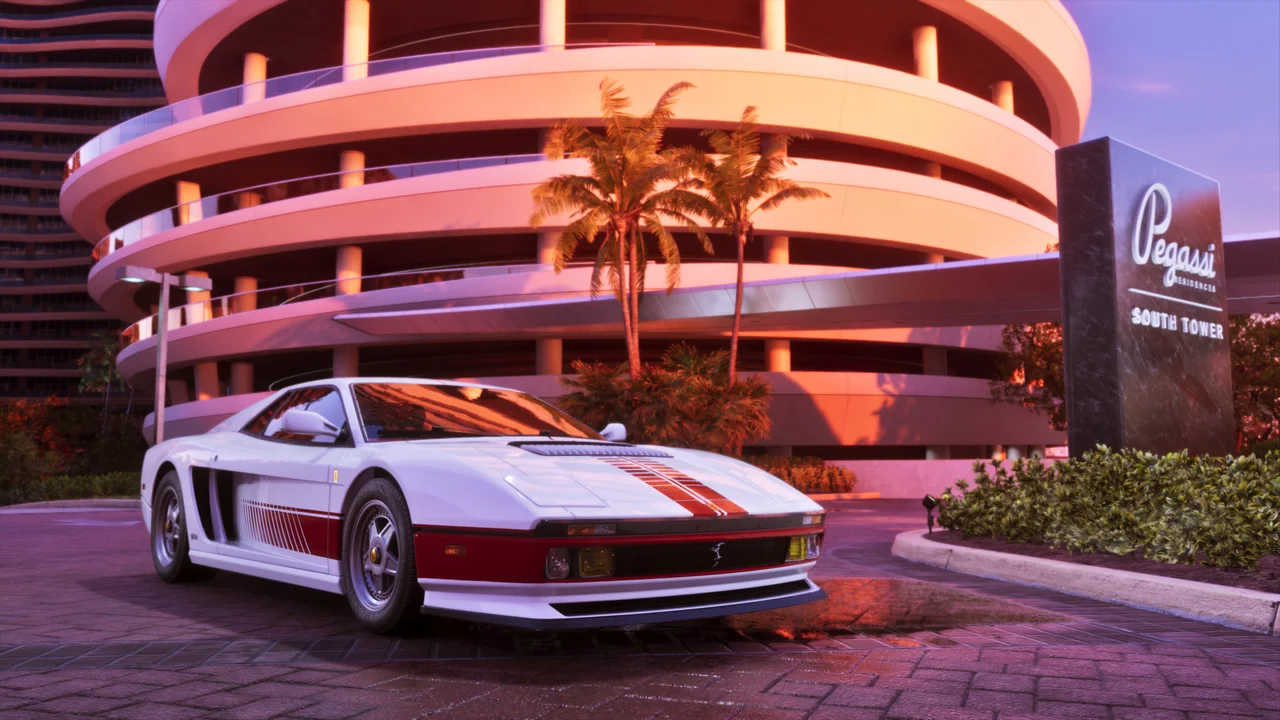
The answer first
Repair engine damage at a mod shop or Pay ’n’ Spray. A gas station handles minor damage; a destroyed personal car needs Joey. A tracker can block modifications until you register the vehicle.
| Your situation | What to do |
|---|---|
| Drivable, damaged engine | Inspect the hood or scan with WAiNK, then seek a full repair. |
| Minor damage and low fuel | Use a gas station for refuelling and minor repairs. |
| Destroyed personal car | Call Joey; an immobilized wreck is a recovery problem.How to recover your car in GTA 6 |
| Tracked car cannot be modified | Check the scanner and registration options first.GTA 6 phone apps: scanning, taxis and money |
Diagnose before buying upgrades
- Approach the hood of a vehicle you have used and press L1 on PS5 or LB on Xbox to inspect the engine. Alternatively, hold D-pad Up for WAiNK and hold R1 / RB to scan it.
- For a full repair, use a mod shop or Pay ’n’ Spray. Gas stations offer minor repairs during refuelling; treat these as a different service.
- If your personal vehicle is destroyed, use Joey in phone Contacts instead of trying to drive it to a shop.
Modifications and blocked services
The map highlights a shop specializing in your current vehicle type. Pro builds bundle appearance and performance changes. A tracker can prevent modifications until registration is available and completed at a Pay ’n’ Spray. Shop refusal is therefore not necessarily a lack of money.
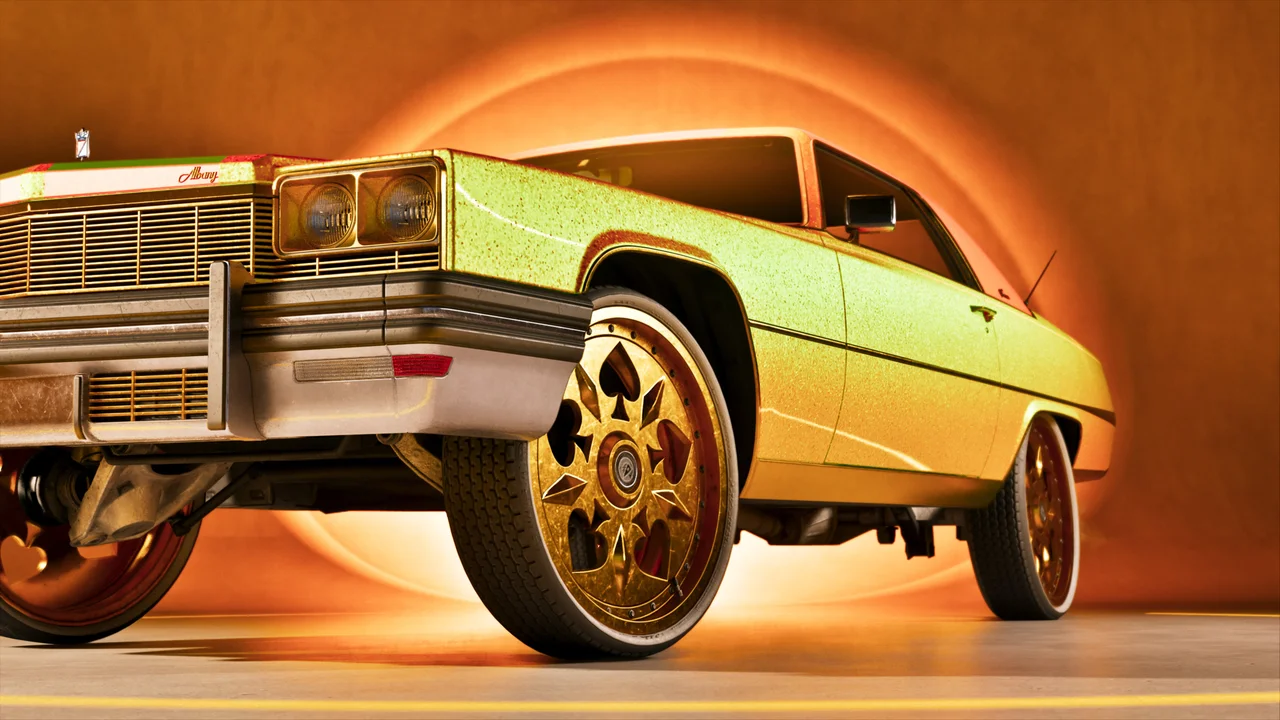
Check unique parts before replacing them on standout vehicles: removed parts may be lost. We do not list universal upgrade prices or guaranteed performance gains because the source does not establish them.
Repair, respray or modify?
Start with the problem you need to solve. A repair restores condition; a respray changes recognition of the vehicle; upgrades change its appearance or performance. Do not buy a performance package as a substitute for diagnosing a damaged engine. Inspect first, then choose the service shown in the shop menu.
Before removing unique parts
On a standout vehicle, inspect the installed parts before confirming replacements. Unique components may be lost when removed. Compare what you have with the proposed build, and keep a separate save before experimenting when saving is available. The catalogue helps distinguish the exact variant; a similarly named model can have a different configuration.
Plan a service stop on the map
Use the locations below to orient yourself around Rideout Customs and nearby fuel stops. Map photographs identify the place, not every service offered by every branch. Check the in-game workshop icon for your current vehicle type before crossing the map, especially with a damaged engine.
Open these places on the map
 Rideout CustomsVice City
Inspect the location and plan your trip to the workshop.
Open map Arrow Gas StationKey Lento
A fuel-stop landmark in Key Lento; check services in game.
Open mapCommon questions
Why does the workshop refuse my car?
Check WAiNK for a tracker and verify ownership. Tracker-equipped vehicles may need registration before modification; the registration service itself depends on story progress.
Does a respray erase every police warning?
No. Vehicle recognition and recognition of your appearance or outfit are separate. Check the HUD after changing the car’s colour.
Game imagery © Rockstar Games. Gameplay information checked against published reports; not an in-game test by our team. Controls can vary with your settings.