The answer first
Hold R2 / RT for throttle and L2 / LT to slow down. The left stick controls pitch and roll. Square / X and Circle / B provide left and right yaw. Press the left stick (L3 on PS5) to toggle landing gear where fitted. These are the reported default controls; use your in-game mapping if remapped.
Plane controls
Hold R2 / RT for throttle and L2 / LT to slow down. The left stick controls pitch and roll. Square / X and Circle / B provide left and right yaw. Press the left stick (L3 on PS5) to toggle landing gear where fitted. These are the reported default controls; use your in-game mapping if remapped.
Landing checklist
- Line up with a clear landing area early, leaving enough room to correct your approach.
- Reduce throttle and descend gradually. Deploy landing gear before reaching the ground.
- Keep the nose slightly raised for touchdown instead of diving at the runway.
Helicopters and emergency exits
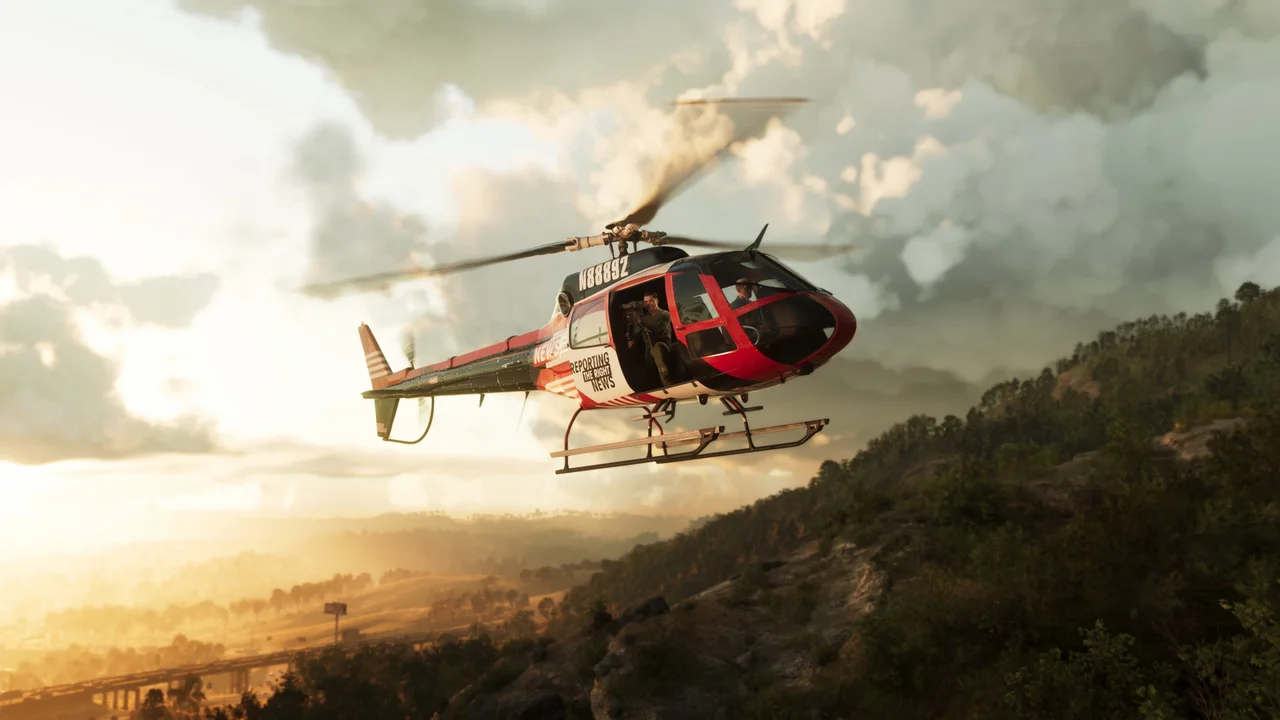
In a helicopter, R2 / RT climbs and L2 / LT descends. Release the controls to hover and choose level, obstacle-free ground for landing. The source reports an automatically equipped parachute on aircraft entry: after bailing out, use Cross / A to deploy it, steer with the left stick and use L2 / LT or R2 / RT to brake each side. Triangle / Y detaches it.
Practise one manoeuvre at a time
Begin with level flight and gentle turns, then practise reducing speed without a steep dive. On approach, align before losing most of your height so you are not correcting direction, speed and landing gear at the last moment. A helicopter uses altitude controls differently from a plane’s throttle: check the vehicle you entered before following a landing sequence.
Common questions
Does every aircraft have retractable gear?
Use the gear toggle only where the aircraft supports it. A control in the general layout does not mean every model has that equipment.
Game imagery © Rockstar Games. Gameplay information checked against published reports; not an in-game test by our team. Controls can vary with your settings.